INDUSTRIAL & LOGISTICS MONITORING Powered by NETEX SECURITY

Dock visibility · Useful operational context

See the activity around your most important handoffs.

At the loading dock, the useful question is often what was visible, where it happened and who needs to review it. GlobalEye helps define those observation priorities for selected bays and approaches. Monitoring can document relevant dock activity and escalate agreed exceptions, while shipment checks, safe loading decisions and release approvals remain with your site team.

Human observation. Agreed procedures. Clear reporting.

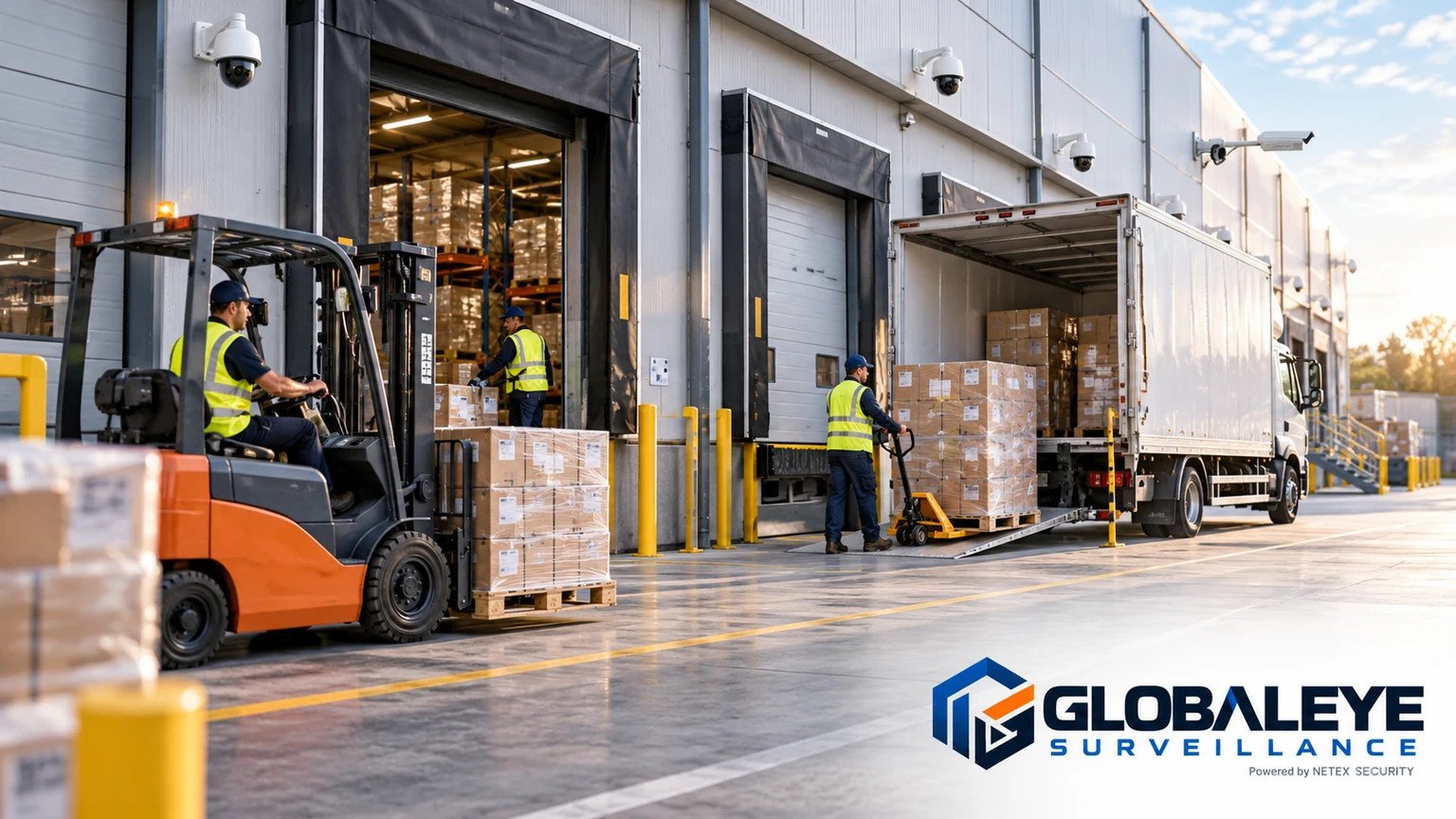
Loading docks illustrative facility
Illustrative imagery · not an actual client site or NETEX facility

THE AREAS THAT MATTER

A monitoring plan for loading docks.

01

Bay approaches and occupancy

Select views that show vehicles approaching or positioned at named bays. Where visible within the agreed coverage, observations can record activity times and bay references. This is not an automatic dwell-time measurement or a complete movement log.

02

Dock access points

Agree which doors and adjacent access areas deserve attention, particularly outside expected loading windows. Provide instructions for an apparently open door or activity in a restricted dock zone, including who can confirm the circumstances on site.

03

Loading-area exceptions

Define specific visible conditions your team wants reviewed, such as activity at an inactive bay or an obstruction in a designated approach. Monitoring can flag observations; judging load security, safe work practices or shipment accuracy requires qualified site personnel.

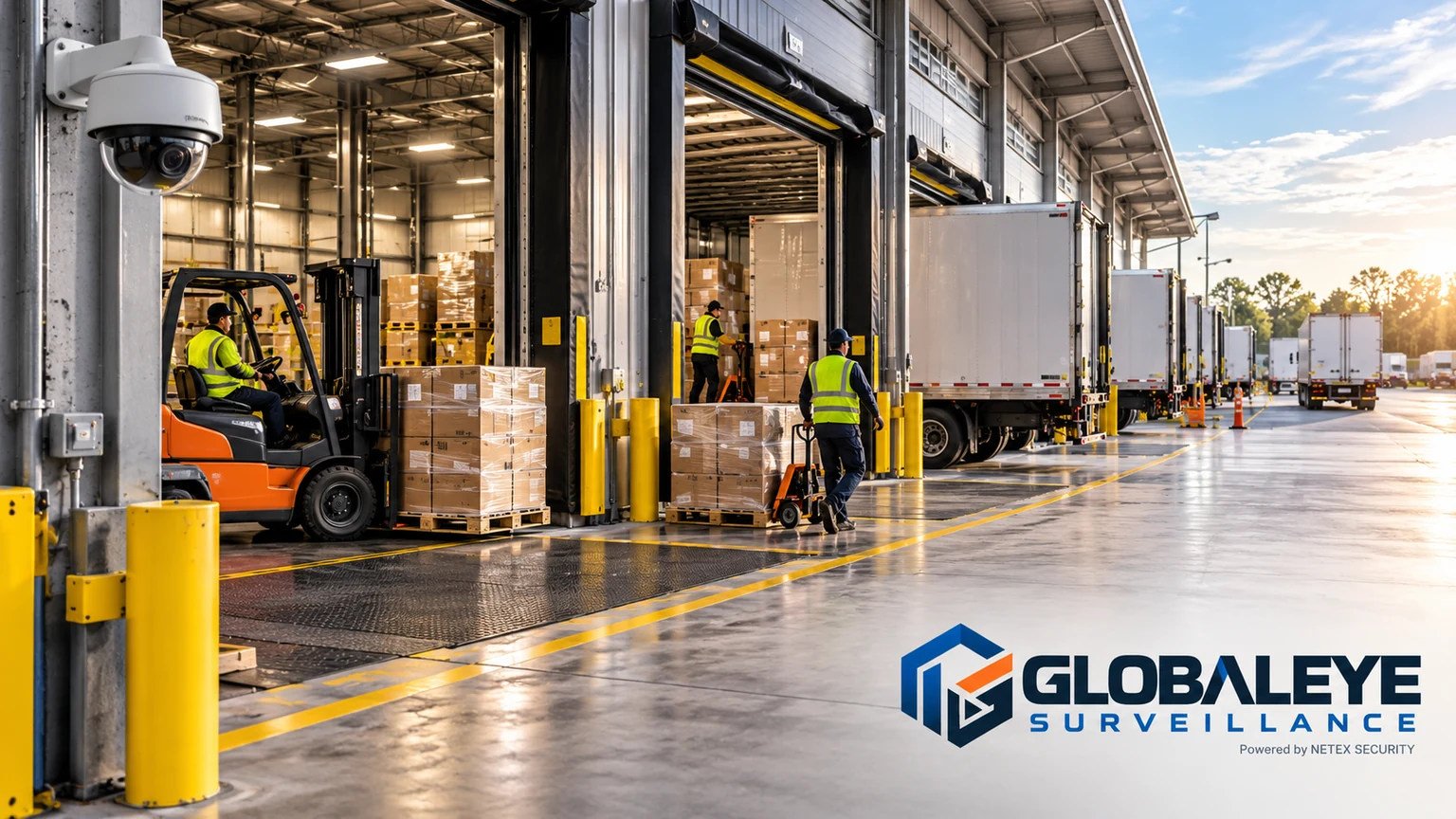
Loading docks illustrative monitoring context
Illustrative imagery · not an actual client site or NETEX facility

FROM OBSERVATION TO FOLLOW-UP

Clear instructions make the difference.

Name every selected bay

Match camera labels to the bay numbers your staff use. Check whether parked trailers, open doors or changing light obscure the parts of the dock included in the intended observation scope.

Set an exception brief

Explain expected loading windows, inactive bays and relevant access restrictions. Specify which observations need contact during a shift and which belong in the agreed reporting process.

Keep a factual record

Describe what was visible, with a time and bay reference. Record any escalation and its status, keeping unconfirmed details separate from information your nominated site contact has verified.
PLAN YOUR COVERAGE

What to bring to your review.

Monitoring depends on agreed hours, usable camera views and access. It does not certify load safety, validate freight contents, verify seals or replace dock supervision. Any additional visual verification task requires a separately agreed scope.

Discuss Your Facility
  1. Bay numbers matched to camera names and viewing directions.
  2. Expected loading windows and rules for inactive dock doors.
  3. Specific observable conditions that should trigger an escalation.
  4. A dock supervisor contact and arrangements for shift handovers.

PRACTICAL QUESTIONS

Loading docks FAQ

Can you confirm what was loaded into a trailer?

A camera may not show contents, labels or quantities clearly enough to confirm them. Shipment verification should use your loading records and on-site checks. Any proposed visual verification must be reviewed and agreed before service begins.

Will I receive exact arrival and departure times for every truck?

That should not be assumed. Agreed observation records can include visible activity times, but a complete movement or dwell-time record requires an expressly defined and suitable service scope.

Can an open dock door be escalated?

An apparently open door can be an agreed observation trigger when the relevant view is usable. Your site contact needs to confirm the physical condition and decide what action to take.

CONNECTED COVERAGE

Explore related monitoring.

YOUR NEXT STEP

Ready to improve visibility across your logistics facility?

Start with your cameras, your operating hours and the areas that matter most.

Request a Free CCTV Risk Review

Your enquiry goes directly to NETEX Security.